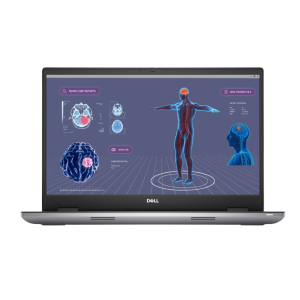
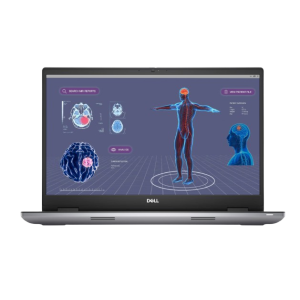
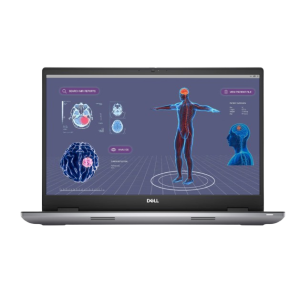
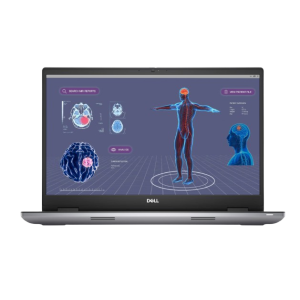
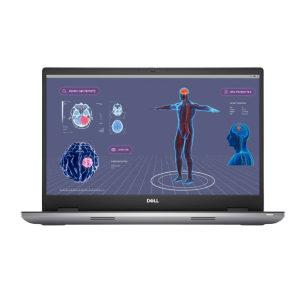
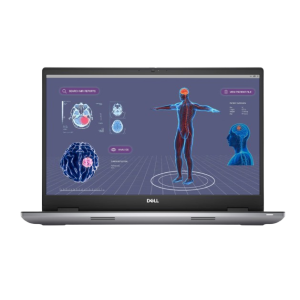
Sell Precision 5500 Series Laptop

Which Precision 5500 Series model are you selling?

FAQs

How do I identify my Precision 5500 Series Laptop model?

There are a few ways you can identify your Precision 5500 Series Laptop model:

  • Check the Retail Box: If you still have the packaging, the model details will be printed on the box.
  • Use System Information:
    1. Press Windows + R, type msinfo32, and hit Enter.
    2. Look for System Model in the System Summary section.
  • Find the Service Tag:

    Every Precision 5500 Series Laptop has a Service Tag or Express Service Code located underneath the device. Once you find this number, enter it on Dell’s Support Page. Alternatively, visit the same link, scroll down, and click on the “Detect This PC” tab to automatically identify your exact model.

  • Use Dell SupportAssist (For Newer Models):
    1. Press the Windows key and type SupportAssist.
    2. Open the application and wait for it to load.
    3. Your System Model will be displayed on the main screen.
How is the price of my Precision 5500 Series Laptop determined?

The price we offer for your Precision 5500 Series Laptop is determined by several factors:

  • Model and Age: Newer models or laptops with higher specifications typically receive a higher offer. The age of your laptop also plays a significant role in determining its value.
  • Condition: Laptops that are in good working condition with no significant issues or damage will receive a higher offer. Devices with physical damage or functionality problems may have a lower offer.
  • Specifications: The processor, RAM, storage type (SSD vs. HDD), and GPU all influence the value of your laptop.
  • Market Demand: The current demand for your specific model can also affect the price. Popular models may command higher prices due to market demand.
How do I prepare my Precision 5500 Series Laptop for sale?

Once you’ve accepted our offer for your Precision 5500 Series Laptop, follow these steps to prepare it for shipping:

  • Back Up Your Data: Be sure to back up all important files before sending your laptop. You can use cloud storage or an external hard drive to save your files.
  • Factory Reset: To protect your privacy, perform a factory reset to erase all personal data. You can do this in Windows by going to Settings > Update & Security > Recovery and selecting Reset this PC.
  • Include Accessories: If available, include the original box, OEM charger, and any accessories that came with your laptop. This can help increase the value of your device.
  • Package Securely: Be sure to package your laptop securely to avoid damage during shipping. If you'd like, we can send you a shipping kit for a small fee at checkout to ensure your laptop is packed safely.
Why should I sell my Precision 5500 Series Laptop to BuyBackTronics?

There are several great reasons to sell your Precision 5500 Series Laptop to BuyBackTronics:

  • Fast & Easy Process: Get an instant offer, ship your Laptop with free prepaid shipping, and receive your payment quickly.
  • Competitive Offers: We offer competitive, market-driven pricing based on your Precision 5500 Series Laptop's condition, model, and current demand.
  • Free Shipping: We provide a free prepaid shipping label, making the process easy and cost-free for you.
  • Trusted by Hundreds of Thousands: Join the hundreds of thousands of satisfied customers who have chosen us for fast, reliable, and hassle-free transactions.
  • Best-in-Industry Customer Service: Our team goes above and beyond, delivering world-class support to ensure your experience is seamless from start to finish.
  • BBB Accredited: We are a BBB-accredited business, ensuring a secure and reliable transaction.

Choose BuyBackTronics for a simple, fast, and secure way to sell your Laptop!

See our reviews on TrustPilot and Google Reviews.
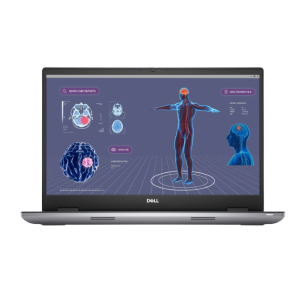
How does the trade-in process work for my Precision 5500 Series Laptop?

The trade-in process for your Precision 5500 Series Laptop is simple and straightforward:

  • Step 1: Get an Offer – Answer a few quick questions about your Laptop to receive an instant offer.
  • Step 2: Ship It – Accept the offer and ship your Laptop to us using a prepaid shipping label.
  • Step 3: Inspection & Payment – Once we receive and inspect your Laptop, we’ll verify its condition and send you payment. If you need a quicker inspection, choose Expedited Processing for faster review.

It’s that easy! For more details, visit our FAQ page.

Why Us?

QUICK PAYMENTS Get paid within one business day via PayPal, eCheck or have a check mailed to you. Your choice.

HIGHER OFFERS We strive to have the highest offers on the market so our customer's products have value.

FREE SHIPPING We cover all shipping costs associated with trade-ins to further our streamlined service.

BETTER SERVICE Between our trade-in process and our customer service, we always put the customer first.